

- Enrich profiles: Copy event data into the contact record.
- Set flags: Mark contacts as VIP, or churned based on their activity.
- Sync properties: Keep custom properties up to date as events flow in.
How it works
- Using the dashboard
- Using the API
Add an Update contact step and update the fields you want to change.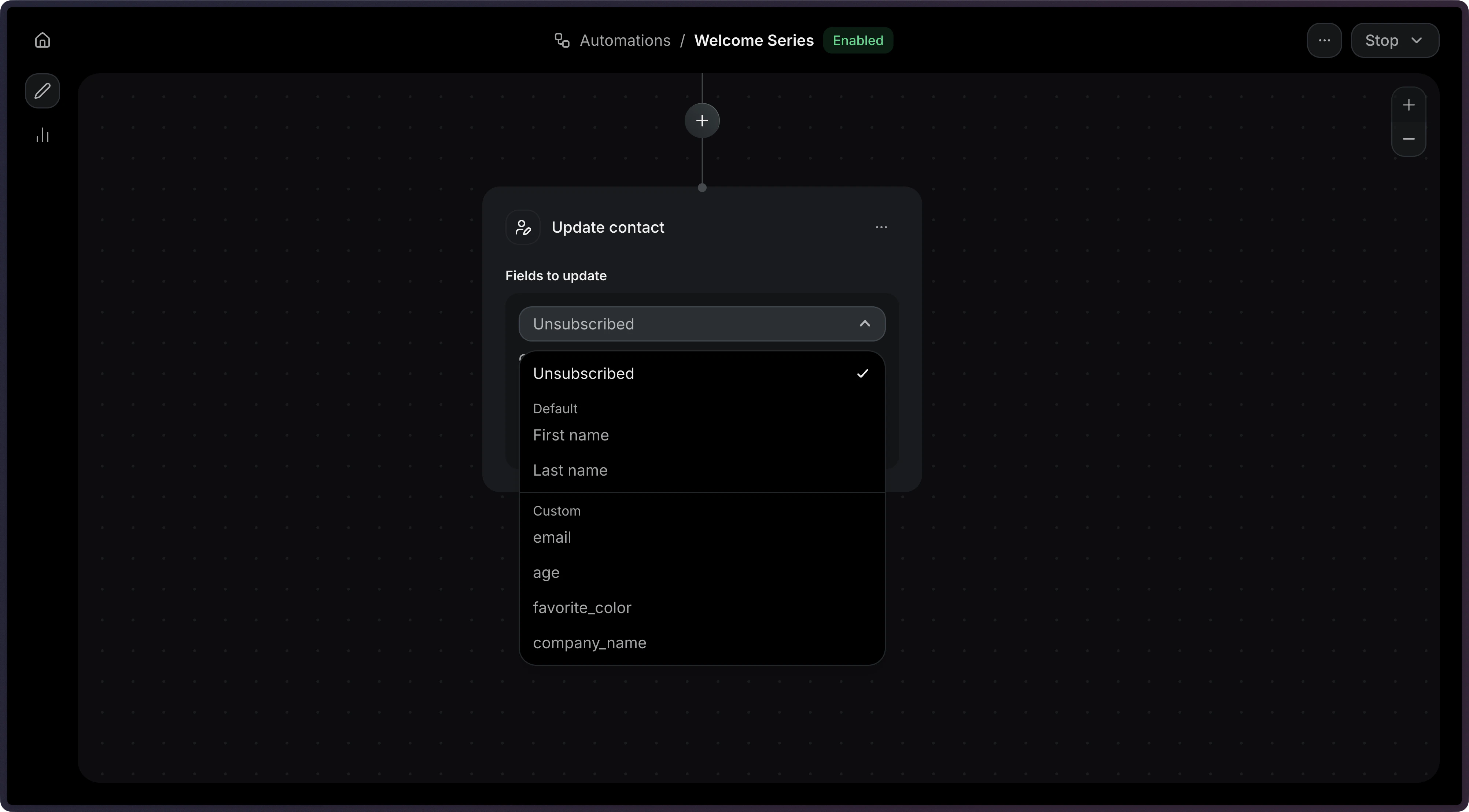
Dynamic variables
Each field value is a fixed value (string, number, or boolean), or a reference with{ "var": "<path>" }:
event.*is a field from the event that triggered the Automation, such asevent.firstName.contact.*is a field from the contact, such ascontact.properties.company.wait_events.<event_name>.*is a field from an event a previous wait for event step received. If the Automation waited for that event more than once, this is the most recent one before this step.
Configuration
string | object
The contact’s first name. Accepts a hardcoded string or a variable reference.
string | object
The contact’s last name. Accepts a hardcoded string or a variable reference.
boolean | object
The contact’s unsubscribed status. Accepts a boolean or a variable reference.
object
A map of custom contact properties to update. Keys correspond to your Contact
Custom Properties. Each value can be a
hardcoded value (string, number, boolean) or a variable reference.
Example