

How triggers work
Each run has exactly one trigger that listens for a specific event name. When you send an event with that name, Resend matches the event to all active Automations listening for it.Event names
Event names are strings you define to represent actions in your application.| Event name | Use case |
|---|---|
user.created | Welcome email series |
payment.failed | Payment recovery flow |
invite.sent | Feature adoption nudge |
cart.abandoned | Abandoned cart reminder |
trial.ended | Trial expiration follow-up |
Setting up a trigger
- Using the dashboard
- Using the API
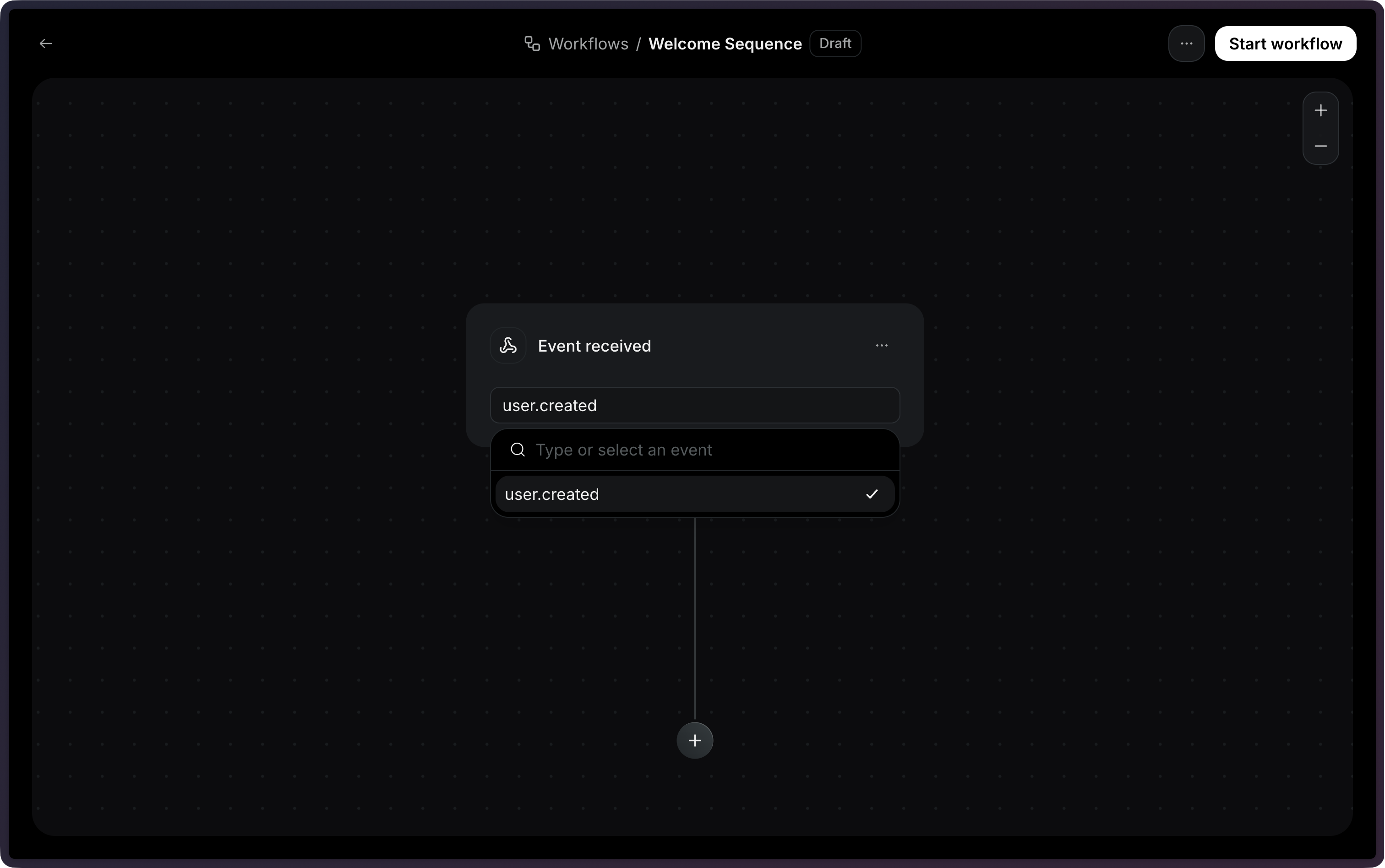
When creating or editing an Automation, the trigger is the first node in the workflow canvas.Click the trigger node to configure it, then select the event name that will start the Automation.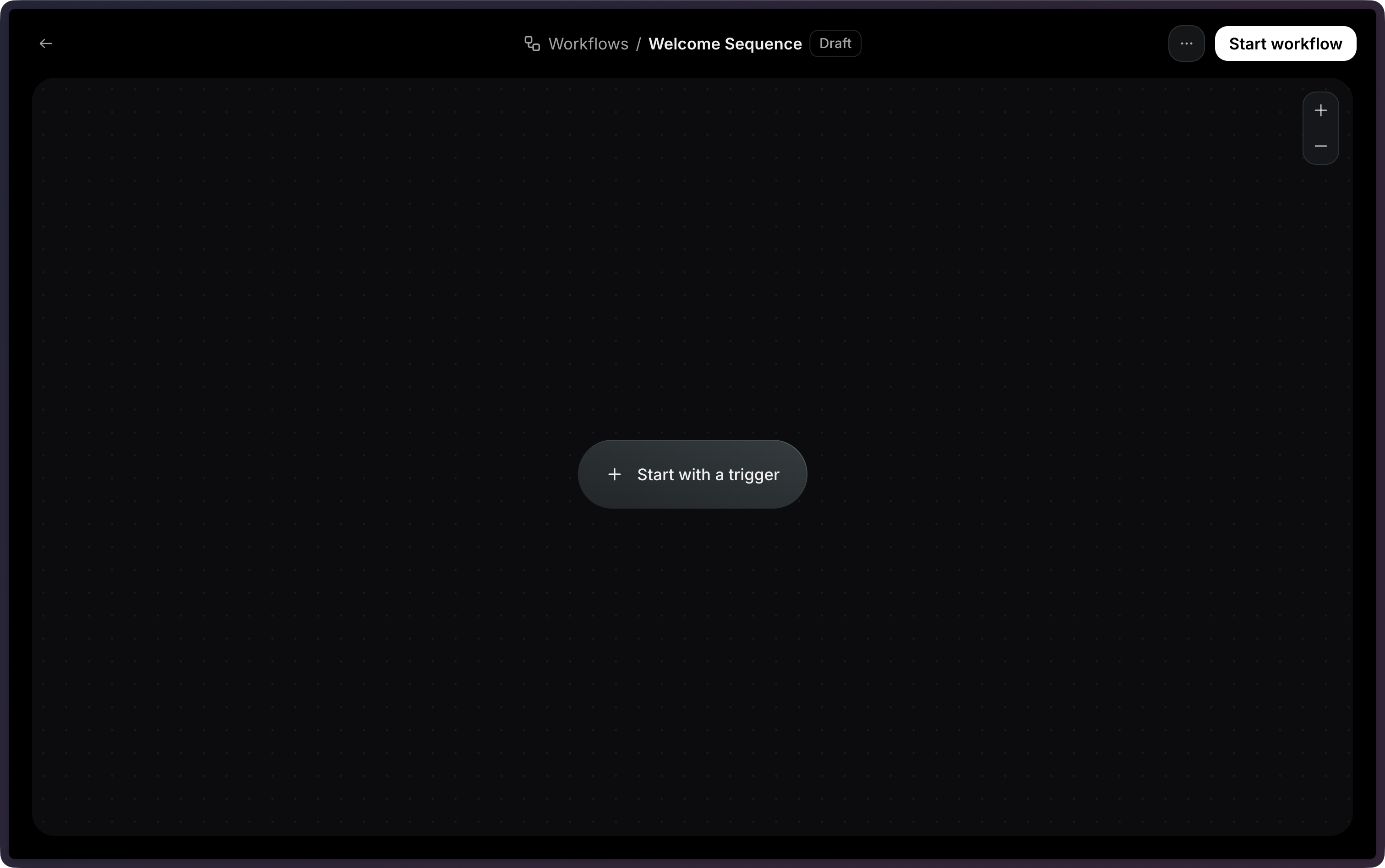
Identifying contacts
When sending an event to trigger an Automation, you must identify the contact using either acontact_id or an email address.
- Using contact ID
- Using email address
Use a contact ID when you already have the contact stored in your Audience:
Event payload
You can include apayload object with your event to pass data into the Automation. This data becomes available as variables in subsequent steps in the Automation using the event.* namespace.
event.amount, event.currency, and event.retryDate would be available in email templates, conditions, and other steps.
View the Send Event API reference for the full endpoint specification.
Configuration
| Field | Type | Required | Description |
|---|---|---|---|
eventName | string | Yes | The name of the event that will start the Automation. |