Automations are currently in private alpha and only available to a limited
number of users. APIs might change before GA.To use the methods on this page, you must upgrade your Resend SDK:
npm install resend@6.10.0-preview-workflows.3
Contact us if you’re interested in testing
this feature.
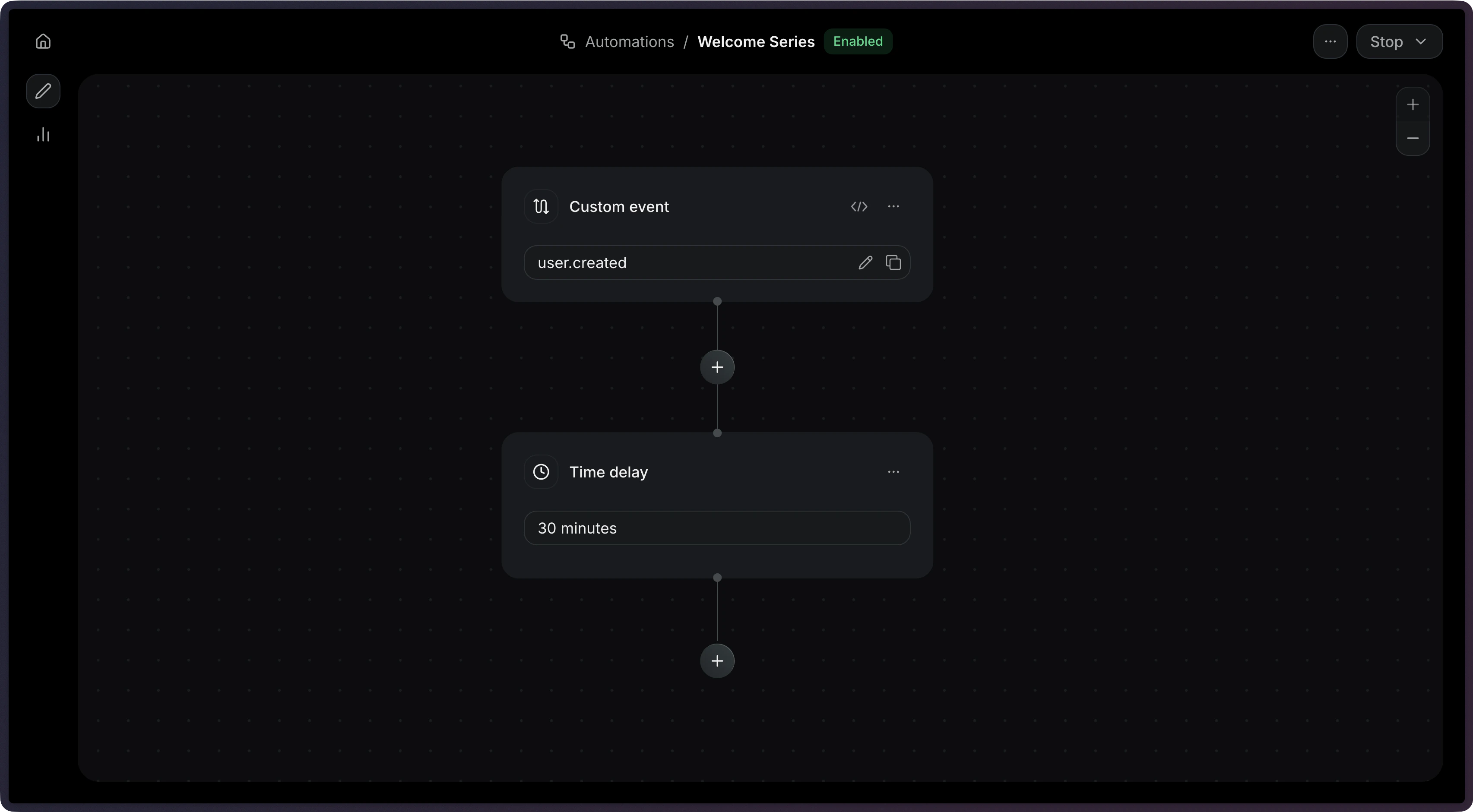
A delay step pauses the Automation for a specified duration before continuing to the next step.Common use cases:
Email sequences — Space out emails in an onboarding series.
Cooldowns — Prevent sending too many emails in a short period.
Follow-ups — Give users time to take action before sending a reminder.