Official Resend plugin for Claude Code
Install the MCP server and every Resend skill directly from the official Claude Code plugins.
The best agent experience requires context provided by tooling like MCP servers, skills, and CLIs. Historically, getting the most out of Claude Code with Resend required installing the MCP server and every skill separately.
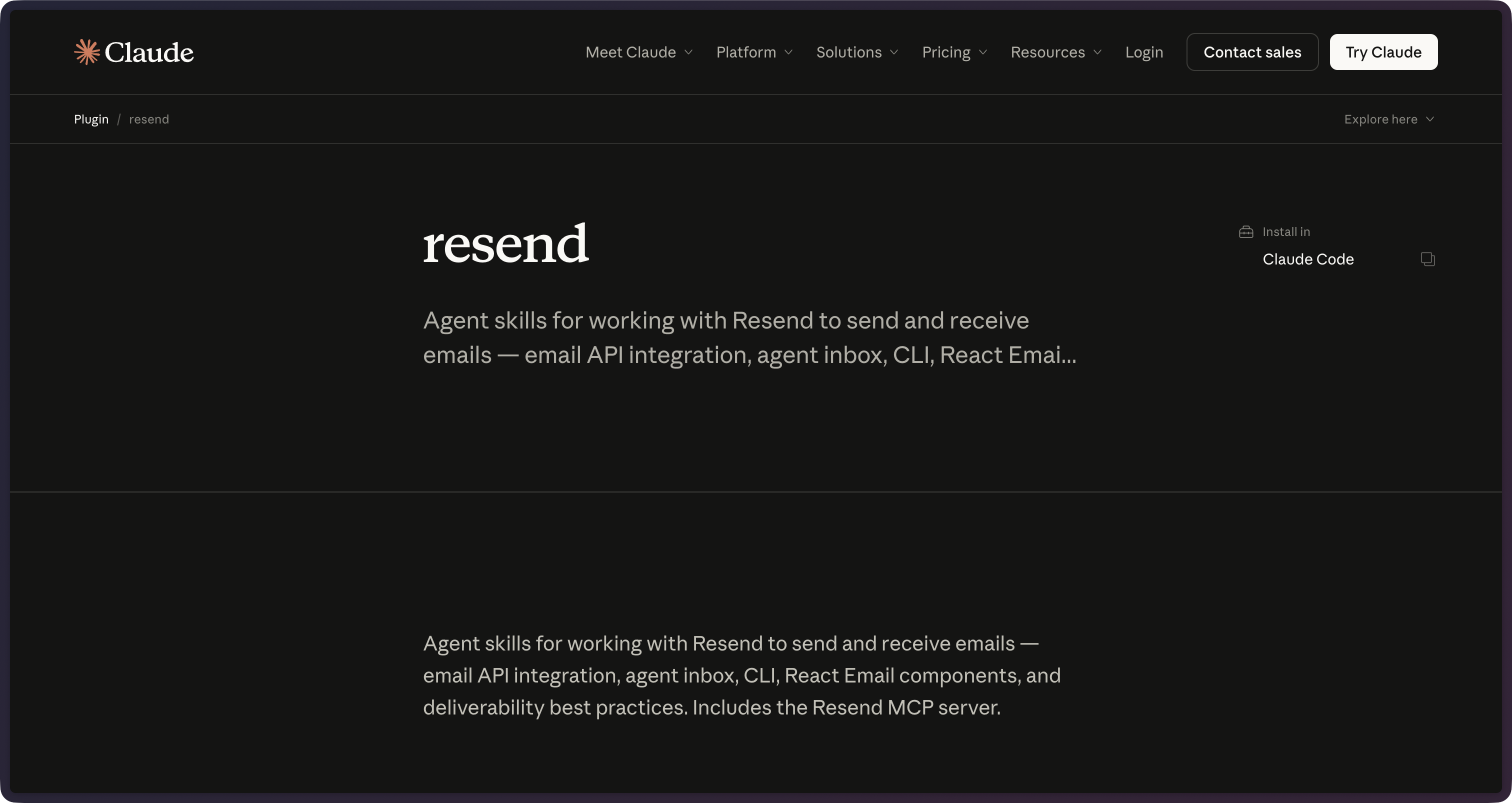
Today, we're excited to announce the official Claude Code plugin for Resend.
The plugin bundles the MCP server and every Resend Skill into a single install.
How to use it
To install the plugin, open Claude Code and run the /plugin command. Type resend to search for the plugin and install it.
Alternatively, run the following command in your terminal:
claude plugin install resend@claude-plugins-official
The plugin bundles the MCP server and every Resend Skill into a single install.
Add your Resend API key to your Claude Code environment to authenticate.
{"env": {"RESEND_API_KEY": "re_xxxxxxxxx"}}
Email expertise, on by default
Once installed, Claude Code activates the right skill automatically:
resendfor the SDK and platform APIsreact-emailfor building templates as React componentsemail-best-practicesfor SPF, DKIM, DMARC, compliance, and deliverabilityagent-email-inboxfor safely processing inbound email with an agentresend-clifor shell and CI workflows
The MCP server (or Resend CLI) can help Claude Code perform actions like sending emails, managing templates, and processing inbound email. And skills ensure the tooling follows best practices in a token-efficient way.
Conclusion
We're excited to see how this connection makes it easier to build with Resend and Claude Code. See the plugin page at claude.com/plugins/resend for everything Resend brings to your agent.